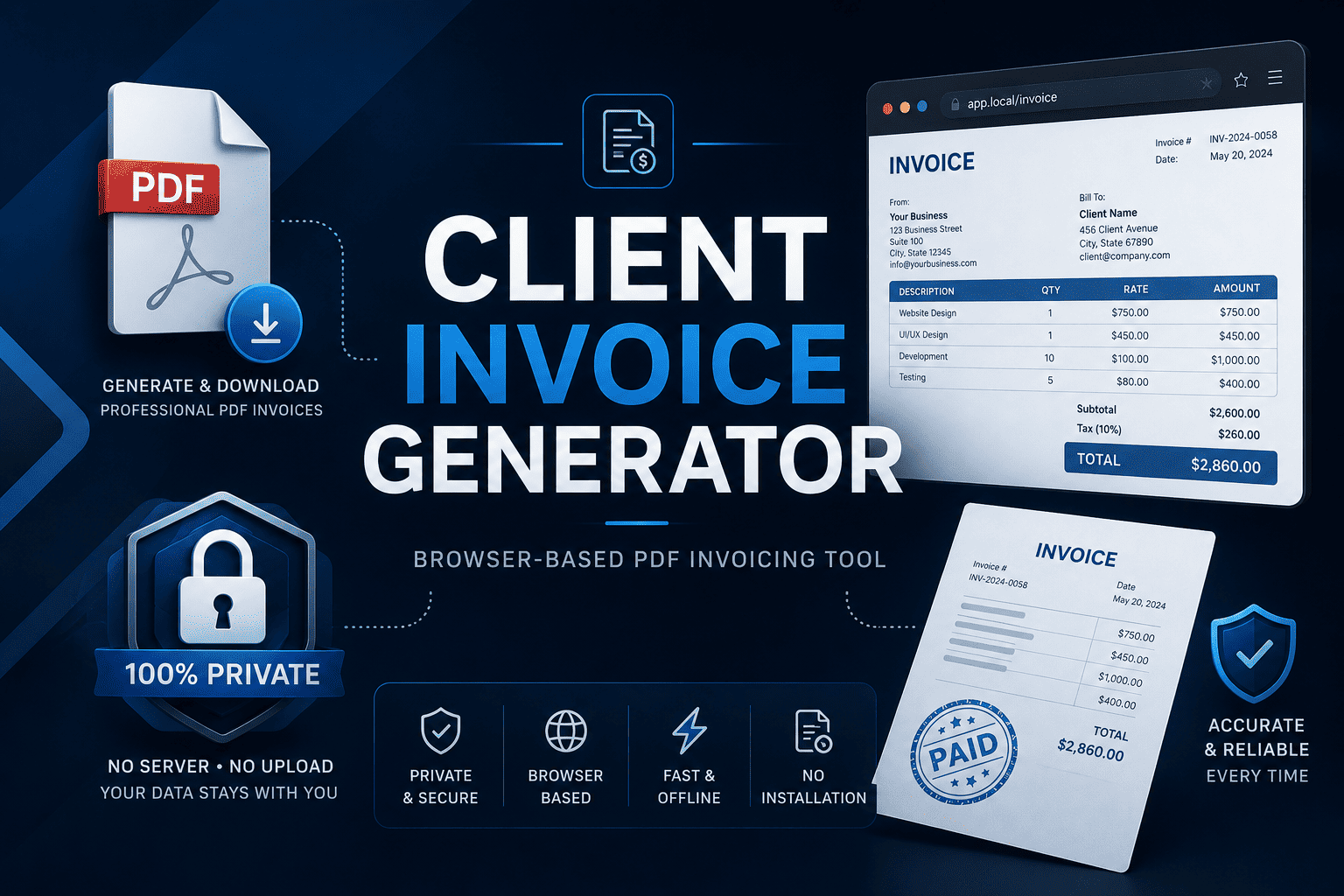
Client Invoice Generator — Browser-Based PDF Invoicing Tool
A zero-dependency, browser-based invoice generator. Fill in your details, add line items, download a clean PDF — no account, no server, no subscription needed.
About This Product
Create professional PDF invoices in seconds — no account, no server, no subscription
Client Invoice Generator is a lightweight, browser-based invoicing tool built entirely with HTML, CSS, and vanilla JavaScript. Open index.html in any modern browser and start invoicing immediately. Nothing to install, no sign-up, no monthly fee, and no data ever leaves your device.
Key Features
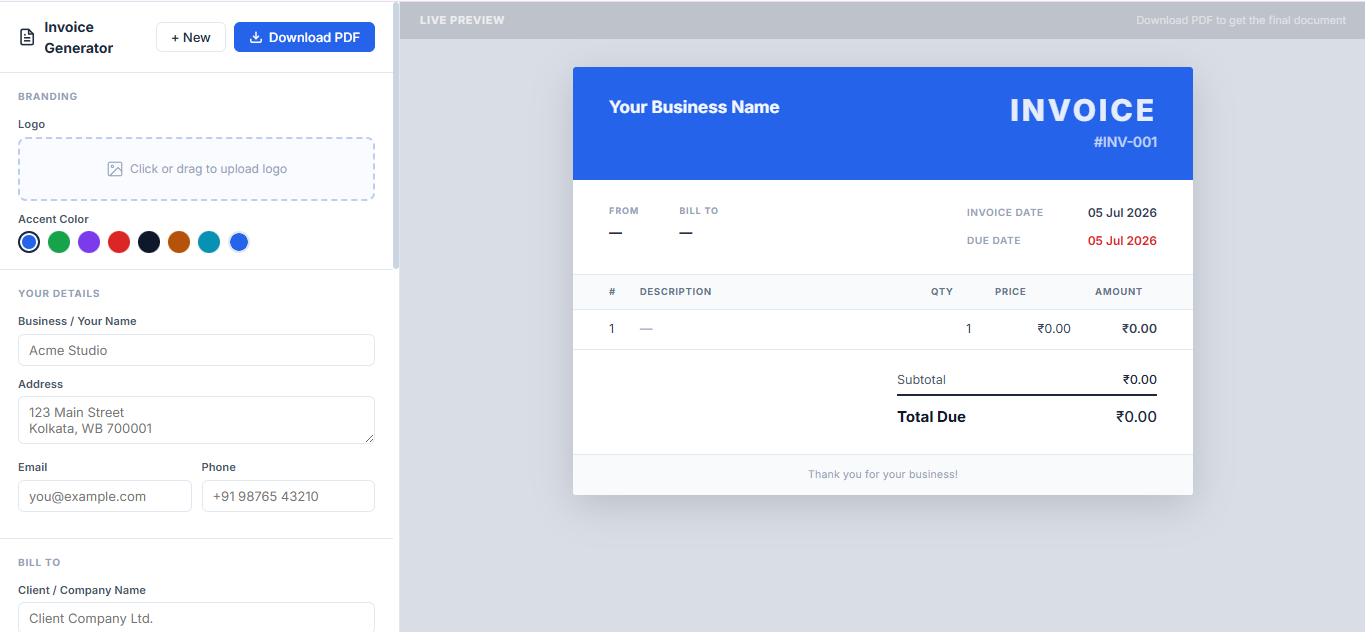
- Live two-panel layout — left side is your form, right side updates the invoice preview in real time as you type
- One-click PDF download — powered by jsPDF and html2canvas; produces a clean, print-ready PDF
- Logo upload — drag-and-drop or click to upload your logo (JPG/PNG, up to 512 KB); persists automatically
- Accent color picker — six preset swatches plus a custom color input to match your brand
- Multi-currency support — switch between INR (₹), USD ($), EUR (€), GBP (£), and JPY (¥) from a dropdown
- Unlimited line items — add as many services or products as needed; quantity × price calculates live
- Tax and discount — apply a percentage tax and a percentage or flat discount; totals update instantly
- Notes and payment terms — include bank details, due-date terms, or any custom message
- Auto-incrementing invoice numbers — clicking "+ New" bumps the invoice number automatically (INV-001, INV-002 …)
- Auto-save to localStorage — your data persists between sessions; your details never need to be re-entered
- Pre-fill your own defaults — set your business name, address, email, and phone once in
app.js; it pre-fills on every new invoice
What is Inside the Download
index.html— the entire app shell; open this in a browser to run itapp.js— all application logic: state management, localStorage persistence, PDF generation, live preview renderingstyle.css— full styling; clean, minimal, and easy to customizeREADME.md— setup guide with three deployment options and a troubleshooting table
Three Ways to Run It
- Double-click
index.html— opens instantly in your browser; works for filling and previewing - VS Code Live Server — right-click → Open with Live Server; PDF download works perfectly here (recommended)
- Deploy to Netlify Drop — drag the folder to netlify.com/drop and get a shareable public URL in under a minute
Tech Stack
- Pure HTML5, CSS3, and vanilla JavaScript — zero frameworks, zero build steps
- jsPDF 2.5 — client-side PDF generation
- html2canvas 1.4 — renders the live preview into the PDF
- Browser localStorage — all data stored locally; nothing sent to any server
Who Is This For
This tool is built for freelancers, independent consultants, designers, developers, and small business owners who need professional-looking invoices fast — without logging into a SaaS platform, dealing with a subscription, or sharing client data with a third-party server.
Customization
The codebase is intentionally small and readable. You can customize the color scheme, default currency, pre-filled details, and invoice layout directly in three files. No build pipeline needed — just save and refresh.
License
Single-use commercial license. You may use it for your own invoicing, customize it freely, and use it in client projects you build. Reselling or redistributing as a standalone product is not permitted.
Please agree to the terms before continuing.
Download
Updates
License